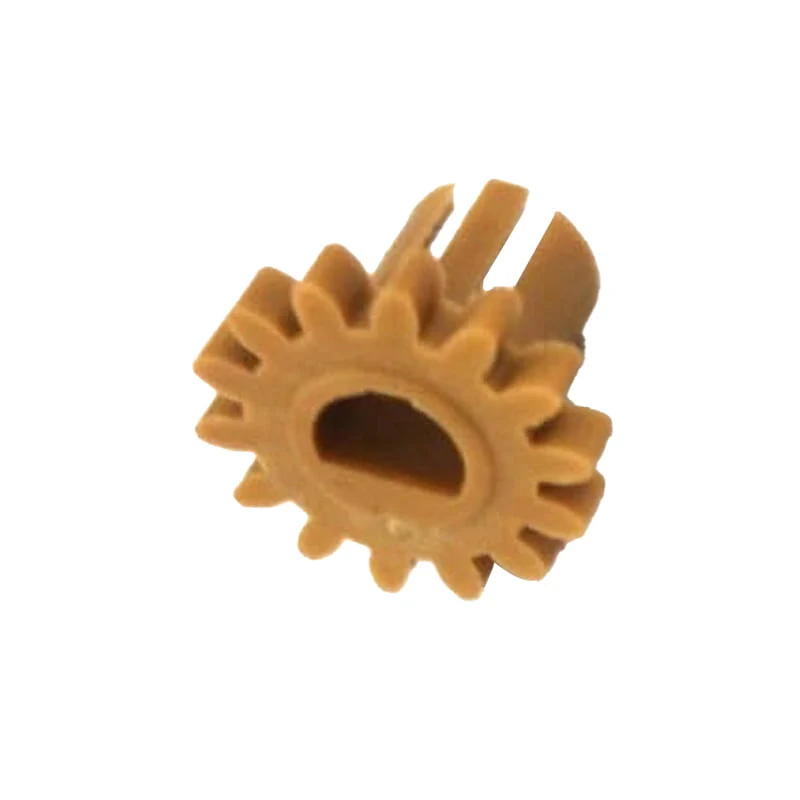
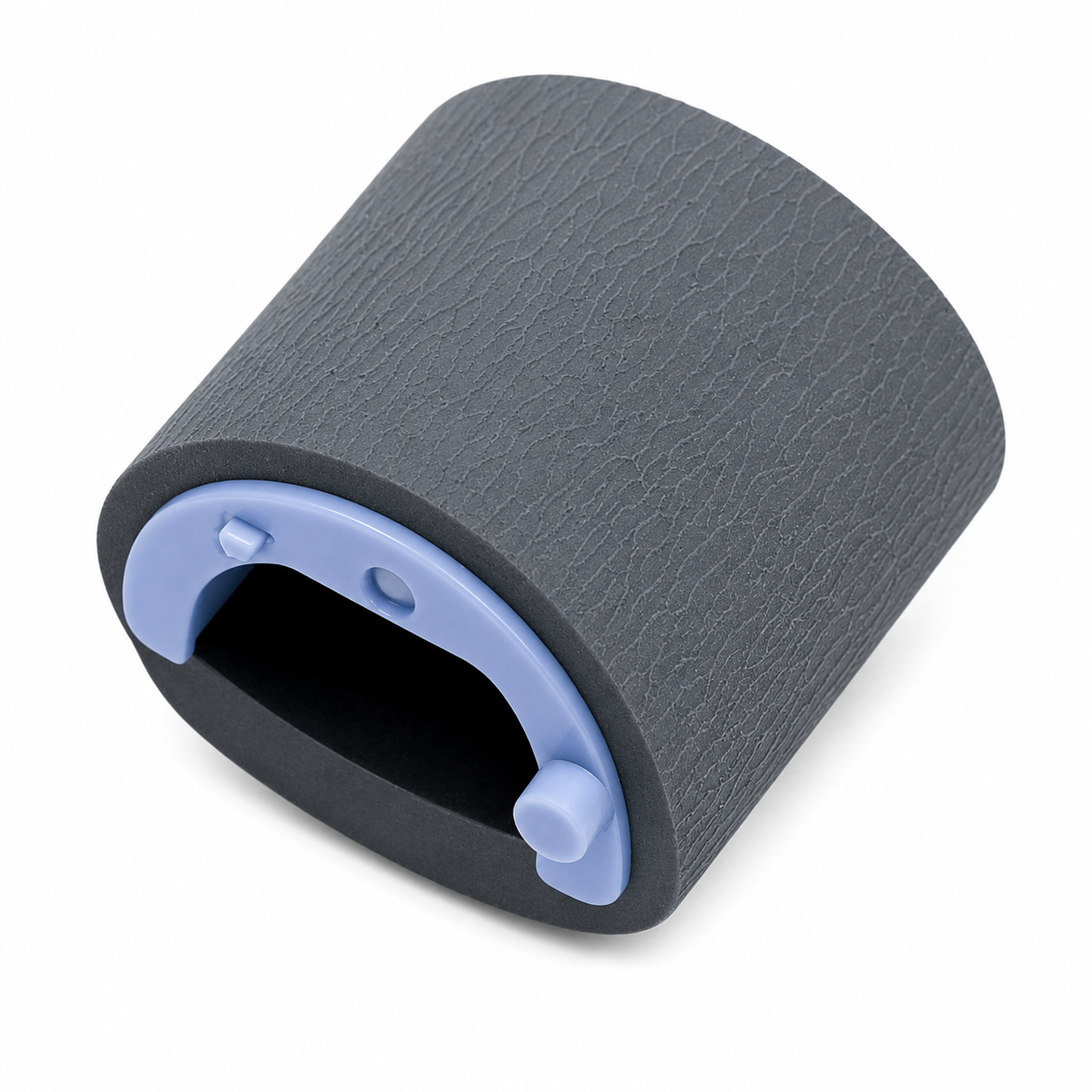
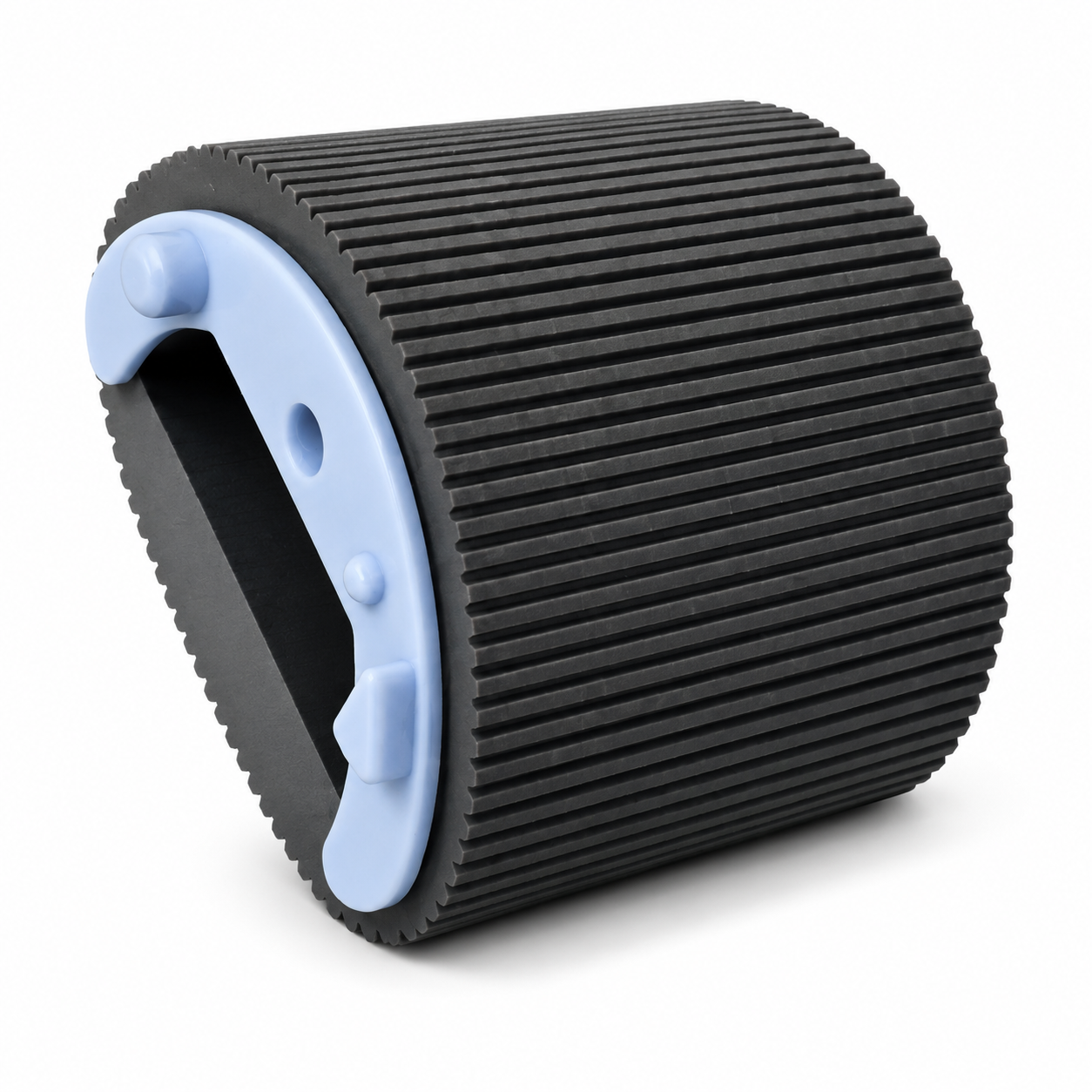
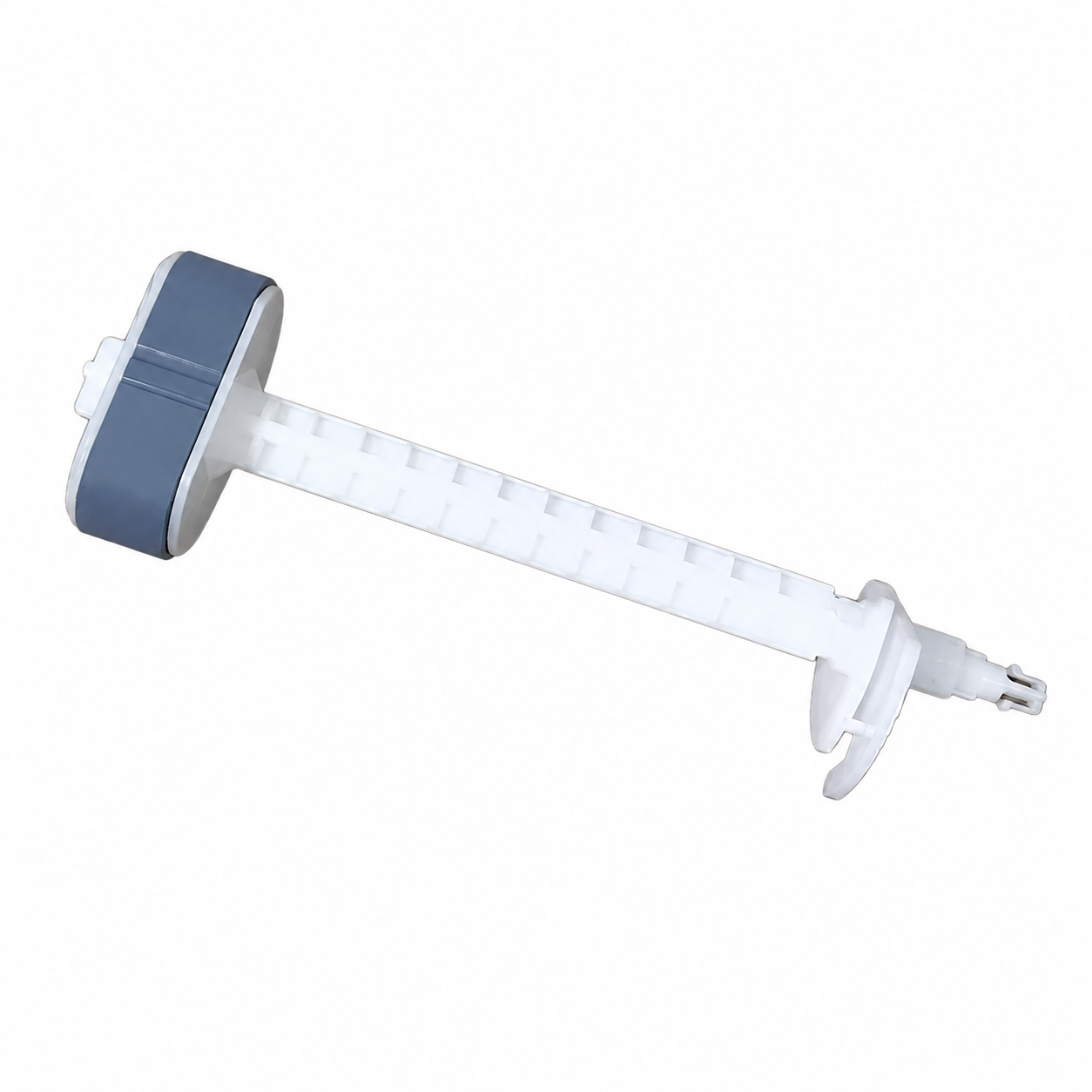
The Paper Exit Roller Gear is a premium-quality compatible replacement designed for HP LaserJet and Canon laser printers. This gear is mounted on the paper exit roller (delivery roller) inside the fuser assembly and is responsible for transferring rotational motion to the exit roller, allowing printed paper to exit the printer smoothly.
A worn, cracked, or damaged exit roller gear can cause improper paper movement after fusing, resulting in paper jams, wrinkled paper, unusual gear noise, slow paper exit, or incomplete paper delivery. Replacing the faulty gear restores proper gear synchronization and smooth paper handling without replacing the complete fuser assembly.
Manufactured using high-quality engineering plastic for excellent wear resistance and durability, this gear is ideal for printer repair technicians, service centers, refurbishment businesses, and maintenance professionals.
Features
✔ Premium Compatible Quality
✔ High Precision Gear Teeth
✔ Durable Engineering Plastic
✔ Smooth & Quiet Operation
✔ Excellent Wear Resistance
✔ Direct Replacement
✔ Fully Tested Before Dispatch
✔ Long Service Life
✔ Ideal for Printer Repair & Maintenance
Compatible Printer Models
HP LaserJet Series
HP LaserJet 1010
HP LaserJet 1015
HP LaserJet 1018
HP LaserJet 1020
HP LaserJet 1022
HP LaserJet M1005
HP LaserJet M1319
HP LaserJet 3015
HP LaserJet 3020
HP LaserJet 3030
HP LaserJet 3050
HP LaserJet 3052
HP LaserJet 3055
Canon LBP Series
Canon LBP2900
Canon LBP2900B
Canon LBP3000
Specifications
Specification
Details
Product Name
Paper Exit Roller Gear
Product Type
Fuser Exit Roller Gear
Material
High-Quality Engineering Plastic
Application
Fuser Assembly
Printer Type
Mono Laser Printer
Installation
Direct Replacement
Condition
Brand New Compatible
Why Replace the Paper Exit Roller Gear?
The Paper Exit Roller Gear transfers power from the printer’s gear train to the exit roller inside the fuser assembly. Over time, continuous operation, worn teeth, excessive heat, or physical damage can cause the gear to fail.
Replacing only the damaged gear is a cost-effective repair that restores smooth paper exit without replacing the entire fuser assembly.
Common Problems Caused by a Faulty Exit Roller Gear
Paper Handling Problems
Paper Stops at Fuser Exit
Paper Jams After Fusing
Paper Does Not Exit Completely
Wrinkled Paper
Folded Paper
Skewed Paper Output
Slow Paper Exit
Multiple Paper Feed Issues
Mechanical Problems
Broken Gear Teeth
Gear Slipping
Clicking or Grinding Noise
Gear Rotation Failure
Uneven Roller Rotation
Fuser Gear Damage
Printer Performance Issues
Frequent Paper Jams
Incomplete Print Delivery
Interrupted Printing
Abnormal Noise During Printing
Poor Paper Transport
Functions
Drives the Paper Exit Roller
Transfers Motion from Gear Train
Supports Smooth Paper Delivery
Maintains Proper Paper Flow
Reduces Paper Jams
Ensures Reliable Printer Operation
Applications
Printer Repair
Fuser Assembly Repair
Printer Maintenance
Service Center Use
Printer Refurbishment
Spare Parts Replacement
Package Includes
1 × Paper Exit Roller Gear
Important Note
Please verify your printer model and compare the gear with your existing part before ordering.
Professional installation is recommended.
Mechanical spare parts are generally non-returnable after installation unless found defective on arrival.