| Manufacturer / Brand | 100% Compatible |
|---|---|
| Category | Canon Printer Parts |
| Printer Type | Inkjet Printer Spare Parts |
| SKU Code | TWC-CONTPANECABL-55 |
| Warranty & Guarantee | 7 Days Return & Replacement |
| GST Invoicing | 18% GST Tax Invoice Available for B2B Input Credit |
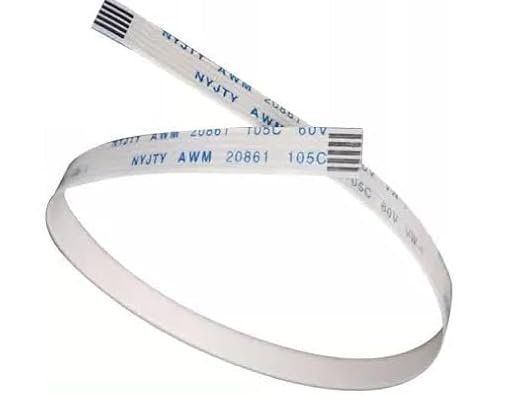
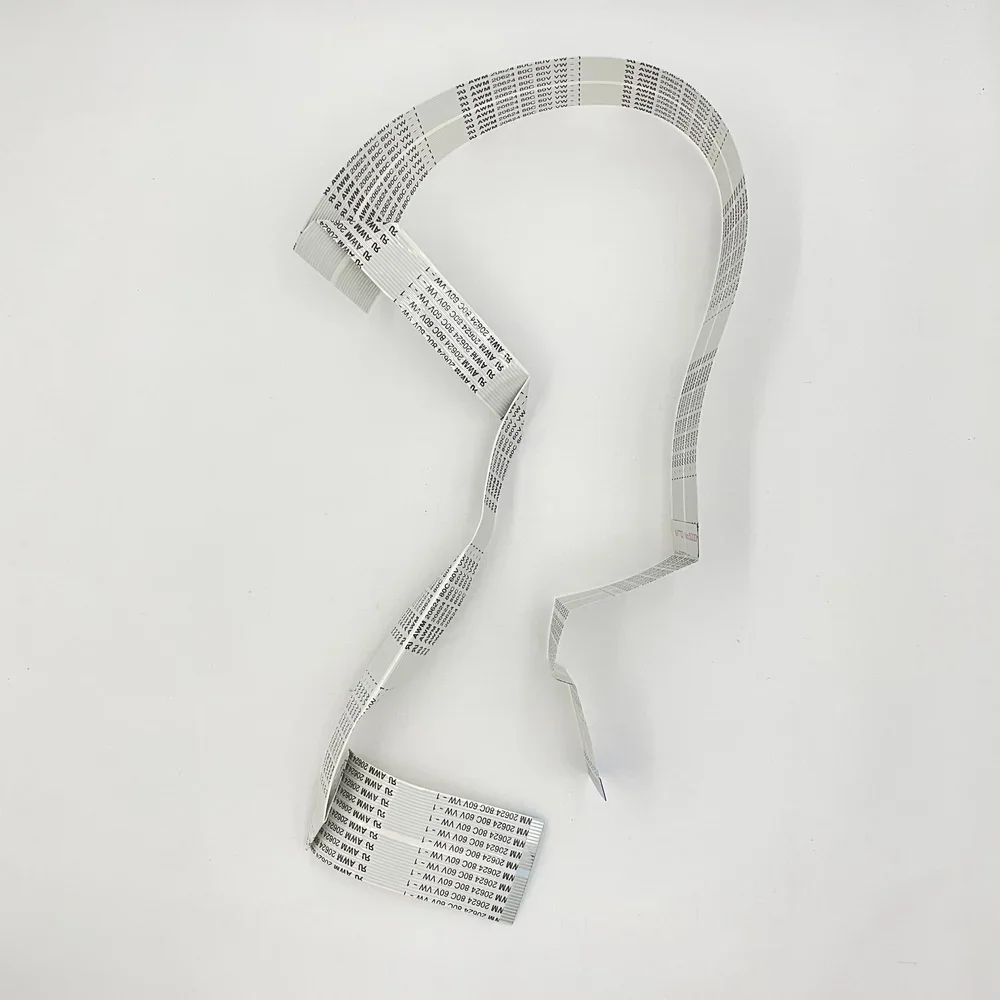
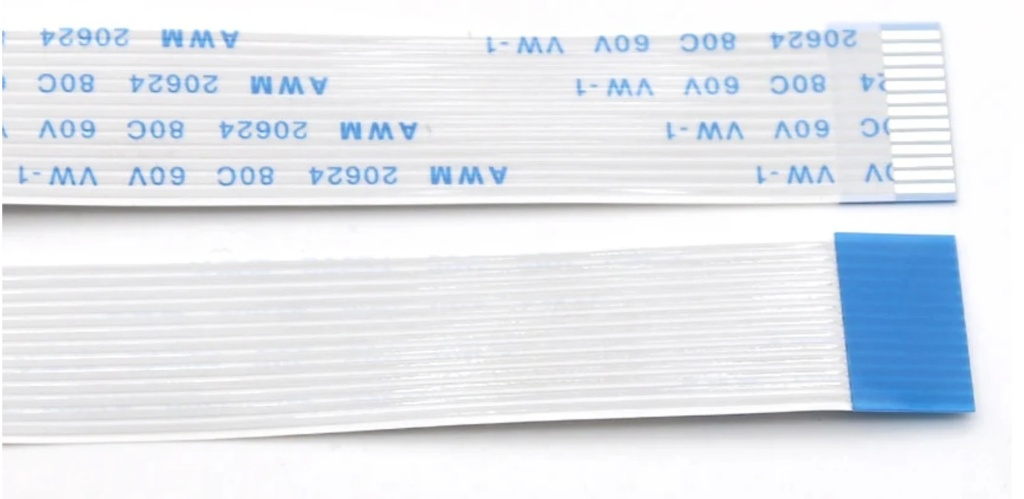
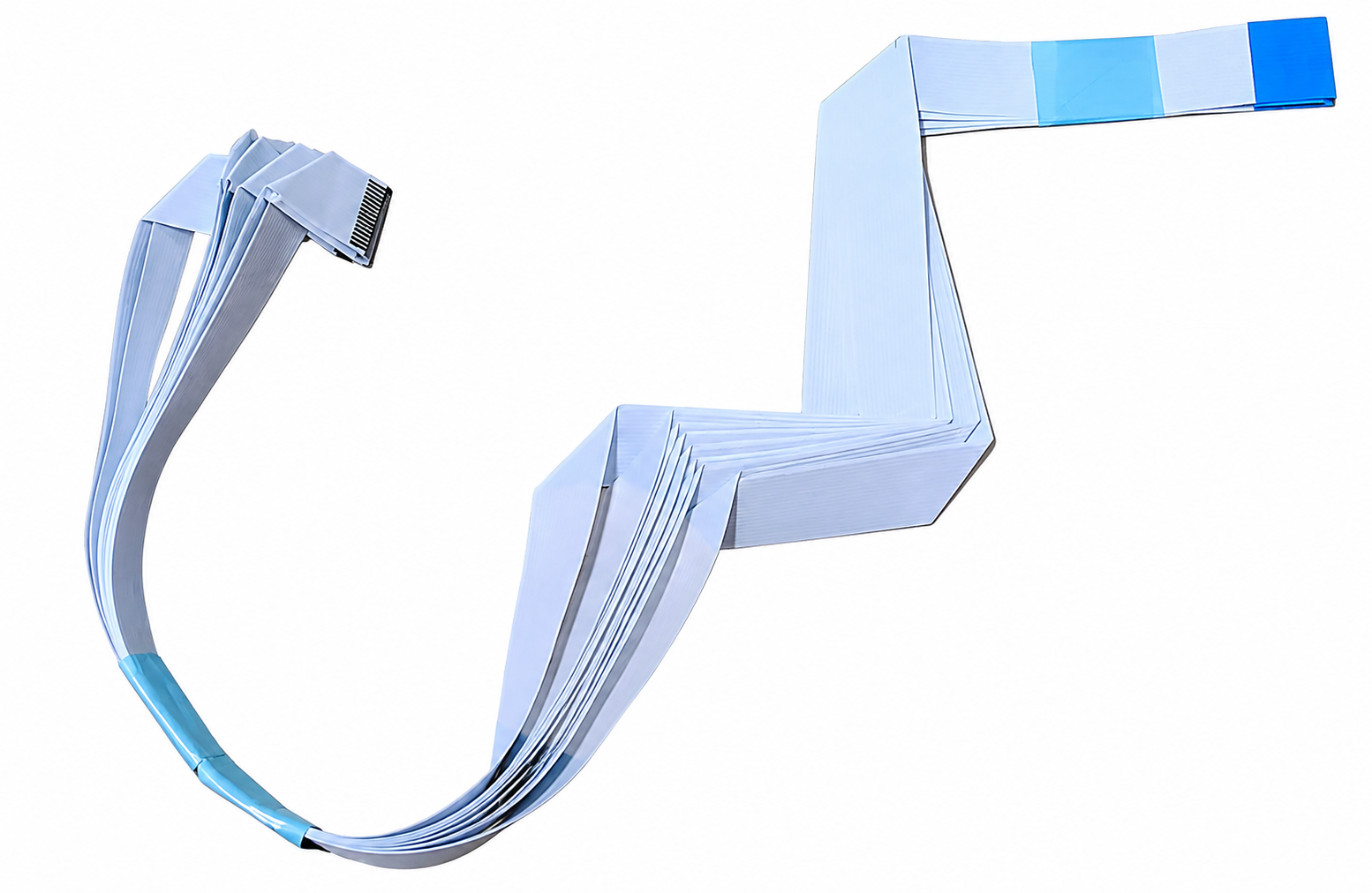
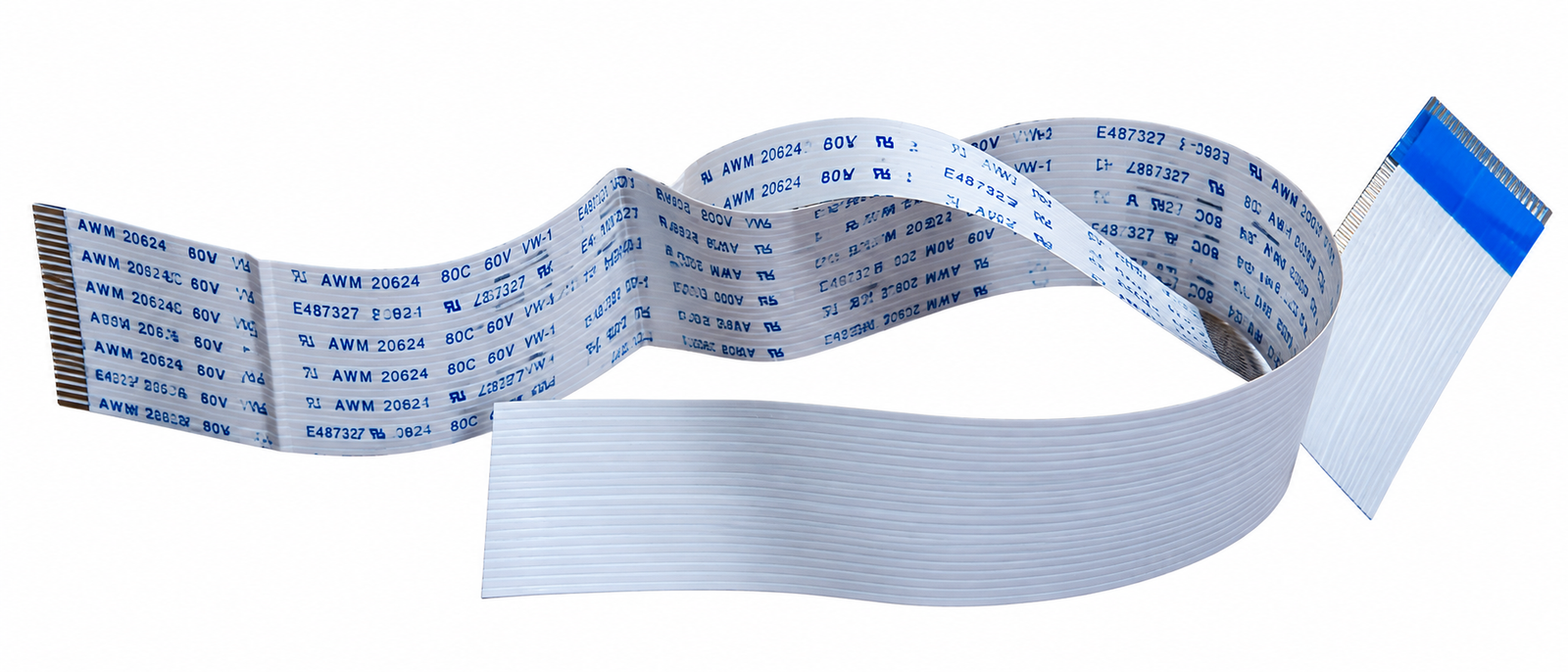
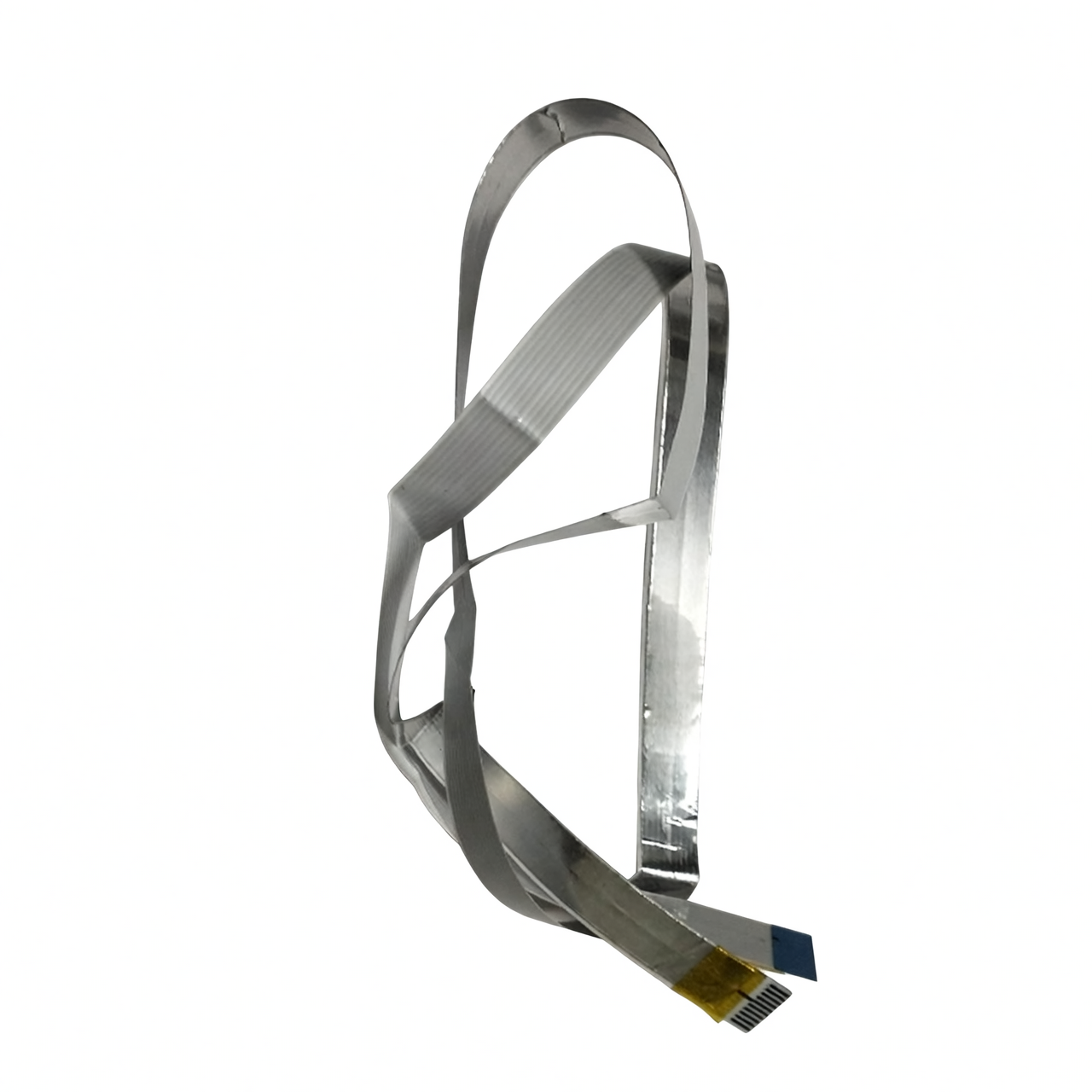
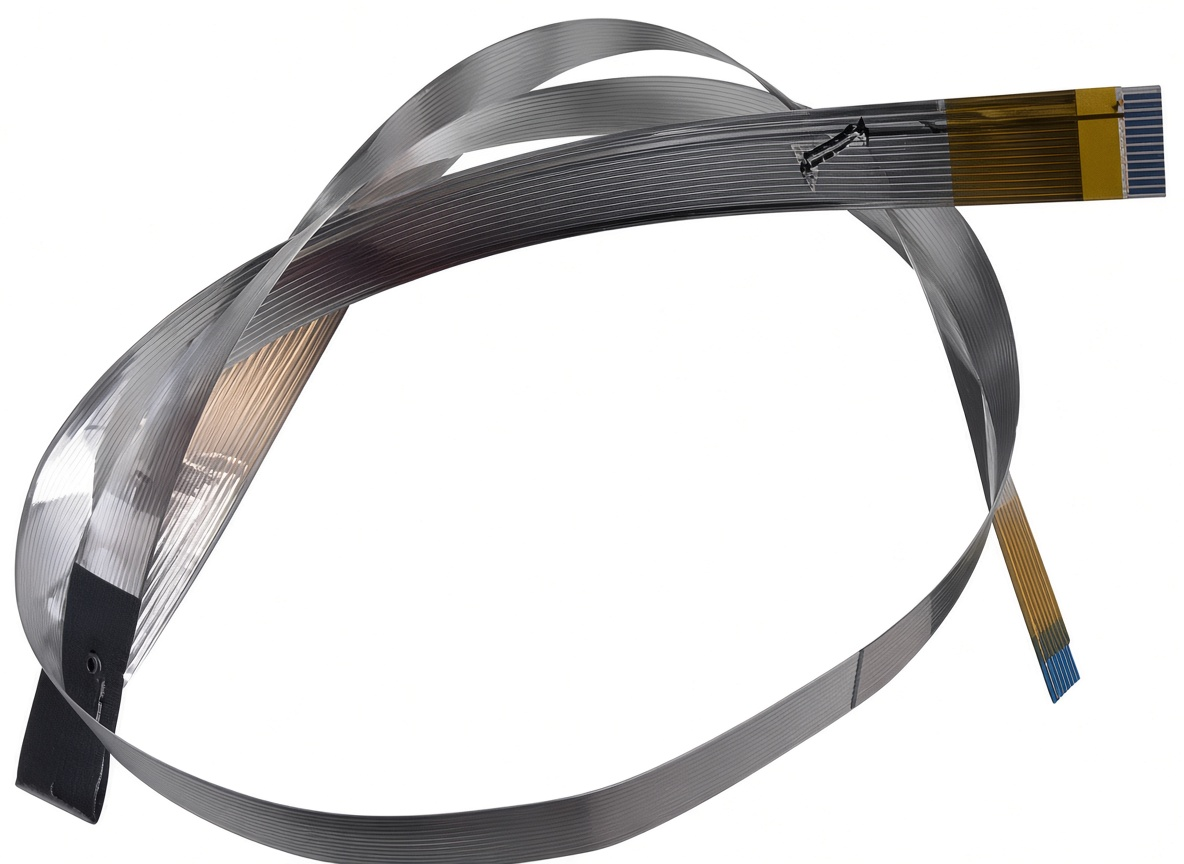
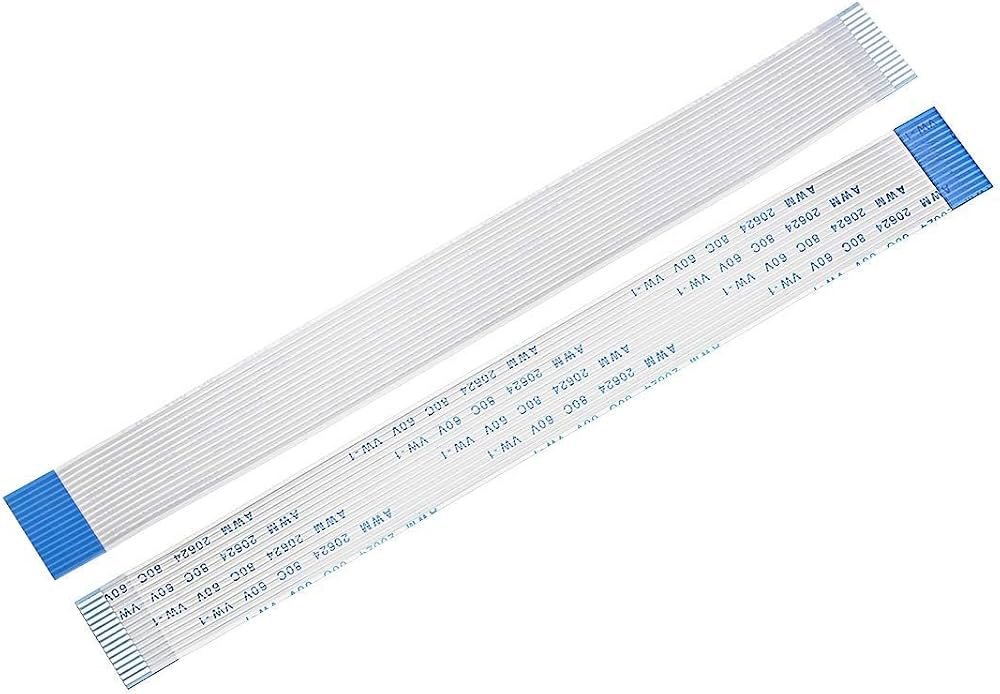
Ensure complete electronic connectivity and restore front panel control with this replacement Control Panel Ribbon Cable. In Canon Pixma desktop all-in-one tank machines, user commands—such as powering on the device, selecting black or color copy jobs, managing Wi-Fi setup (on wireless models), canceling print queues, or checking error indicators—are transmitted from the front operation bezel to the main controller board via a thin, multi-pin flat flexible cable.
Because this delicate ribbon harness routes through tight internal folds, hinges, and chassis channels within the printer housing, mechanical stress during regular servicing, routine maintenance, or prolonged operation can cause internal copper traces to crease, fray, or lose terminal contact.
When the control panel cable suffers internal breaks, pin corrosion, or trace damage, the printer loses electronic communication with the front button panel.
This electrical failure causes immediate operational issues: the printer failing to respond when pressing the power button, indicator lights staying completely dark, copy or stop buttons becoming unresponsive, or communication fault codes appearing during startup initialization.
Manufactured with high-flexibility polyimide insulation and micro-plated conductive contact pins, this replacement cable matches original length, pitch, and pin alignment specifications. It provides service technicians, field engineers, and repair workshops with a direct drop-in replacement part to restore original button responsiveness and status signaling across compatible Canon Pixma ink tank printers.